Ergonomic Desk Setup — Pro N7
Practical, Australia-focused guide to optimise posture, comfort and productivity with Talvenor-recommended gear.
Why ergonomics matters
Small adjustments reduce fatigue, prevent musculoskeletal strain and boost concentration. This guide focuses on desk height, monitor placement, seating and accessories suited to Australian workplaces.
- Reduce neck & back pain
- Increase sustained productivity
- Improve long-term wellness for hybrid teams
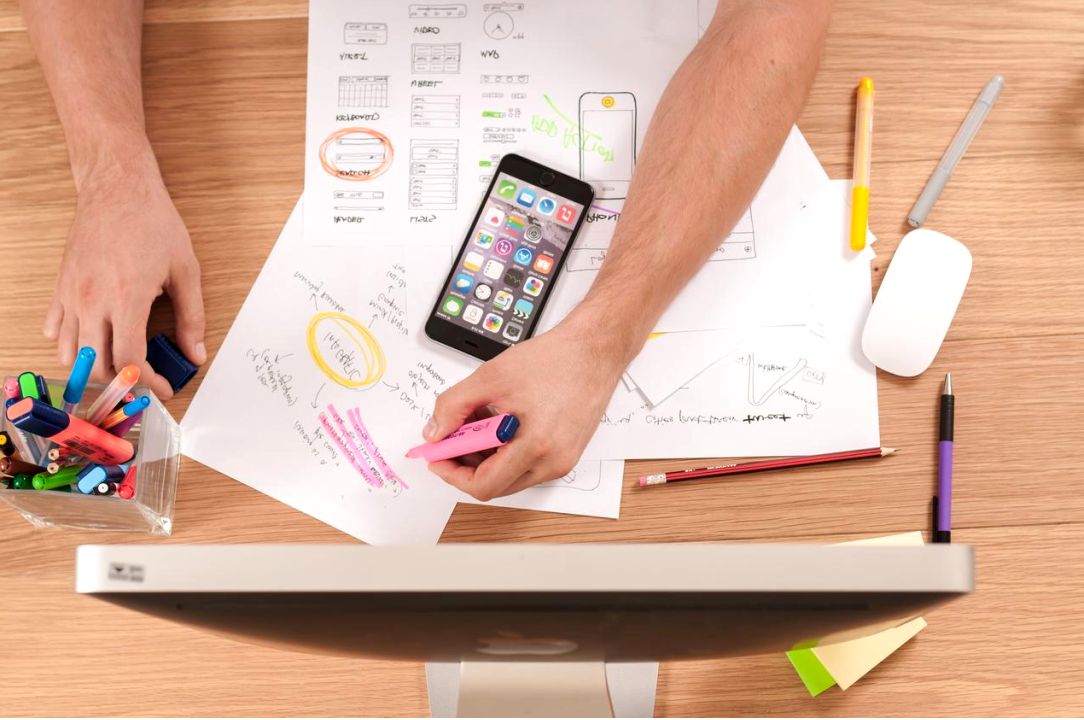
Recommended products — Talvenor picks


Step-by-step setup guide
- Set desk height so forearms are parallel to the floor.
- Top of monitor at or slightly below eye level, 50-70cm away.
- Use a chair with adjustable lumbar support and seat depth.
- Position keyboard and mouse close; elbows at ~90°.
- Include short movement breaks every 30–45 minutes.
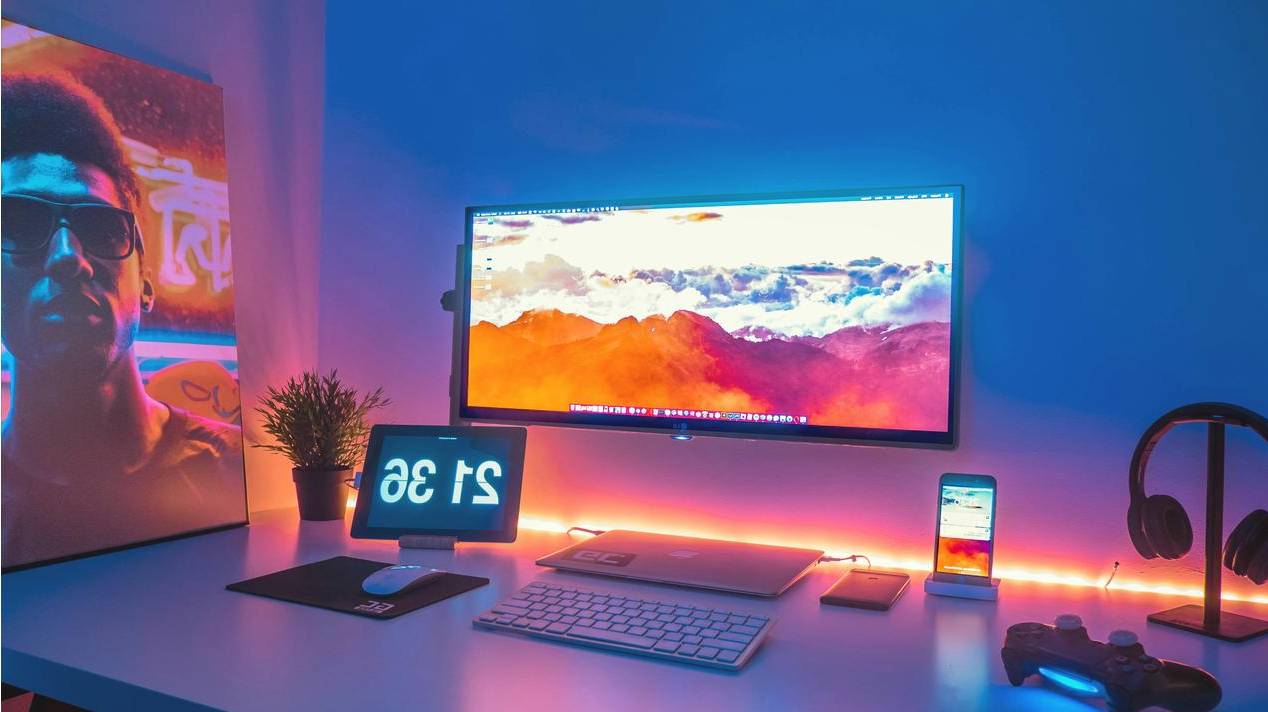
Posture and movement tips
Adopt neutral spine alignment and change posture frequently. Micro-breaks and simple stretches lower strain and increase focus.
- Head aligned over shoulders
- Feet flat on floor or on a footrest
- Alternate between sitting and standing

Proper neutral posture example
FAQ — Ergonomics quick answers
Aim to shift posture every 20–30 minutes and take a short walk or stretch every 45–60 minutes.
Standing desks help when used correctly — alternate sitting and standing; prolonged standing can also cause fatigue.
A good chair, monitor arm, and an adjustable desk provide the most tangible benefits for posture and comfort.
Quick comparison — Essentials checklist
| Item | Why it helps | Recommended |
|---|---|---|
| Sit-stand desk | Alternates posture, reduces sitting time | Pro N7 Electric |
| Ergonomic chair | Supports lumbar curve, reduces slouching | Mesh Support Series |
| Monitor arm | Correct monitor height and angle | Dual-flex Arm |